The QR code that turns every guest into a photographer
Print a code, guests scan it, their photos land in your gallery. That's the whole mechanic — here's how it actually plays out on the day.
How a scan becomes a photo in your gallery
A guest points their camera at the code on their table card. No app store, no account, no typing a URL — it opens straight to an upload page with your names already on it. They pick their photos, hit send, and it's compressing and uploading in the background before they've put their phone down.
What happens to a photo once it's uploaded
It lands in your private gallery within seconds, sorted and ready — duplicates get caught automatically, so the same photo six different people took doesn't clutter your download. You can view it that night from your phone, or leave it until you're back from the honeymoon.
Where the code actually goes
Most couples print it on table cards, but it works anywhere: the bar, the guestbook table, even the back of the order of service. Wherever a guest is standing with a phone in hand.
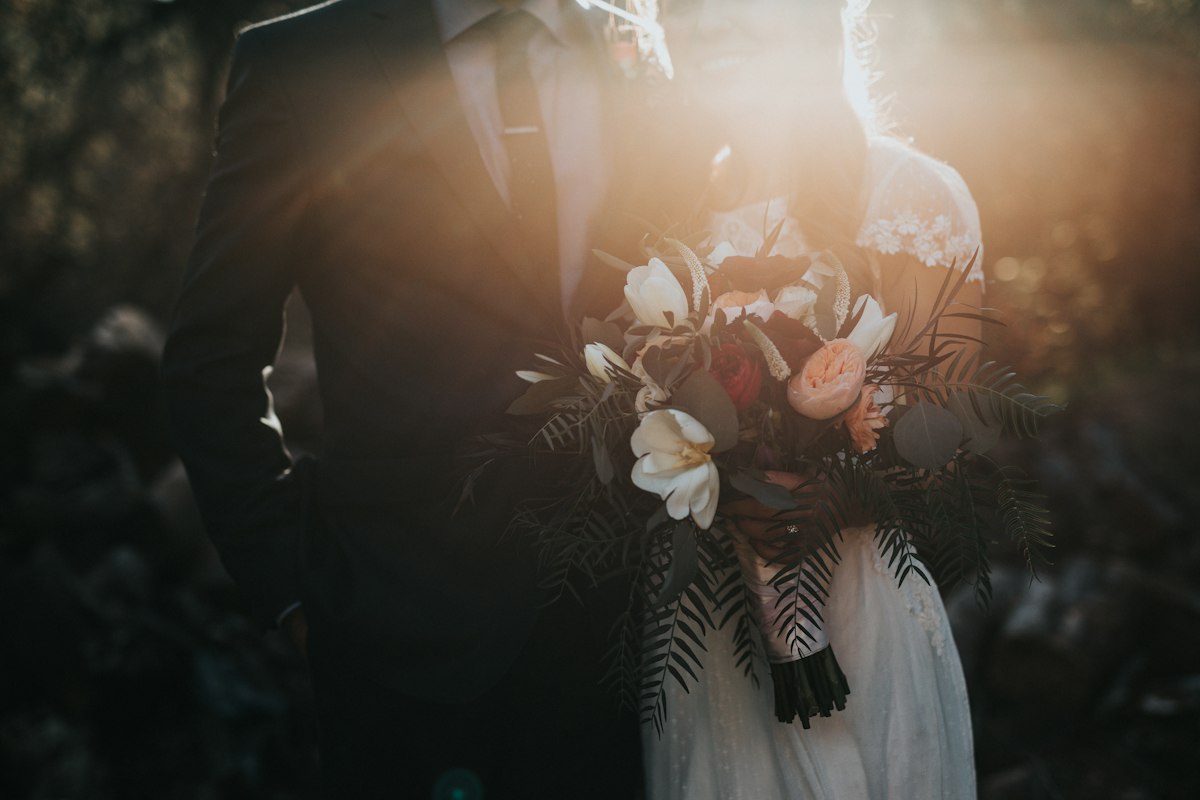
Real weddings
This is how they look on the day.
Printed, framed and placed on real wedding tables. Every card is designed by us, downloaded by the couple and printed anywhere they choose.

Eva & Daniel
The Hobbit Hole · 13.12.26

Dianna & Mark
Capture the Love · 27.2.27

Robert & Nichola
Botanical Welcome · 19.9.26

Paul & Andrea
Paws & Promises · 29.1.27

Kelly & Scott
Capture the Love · 5.12.26

Andrew & David
Capture the Moments · 28.10.26